Imagine you have precious belongings that you decide to store in a high-tech, shared storage facility instead of keeping them at home. This facility is like "the cloud", a place where you can keep your items and access them whenever you need. But since other people also use this facility, you must take steps to ensure your valuables are safe and only accessible to you. Cloud security is like the combination of locks, security cameras, and security guards at the storage facility that protect your belongings. It's all the measures taken to keep your data and applications safe when they're stored in the cloud, just as the facility keeps your items secure.
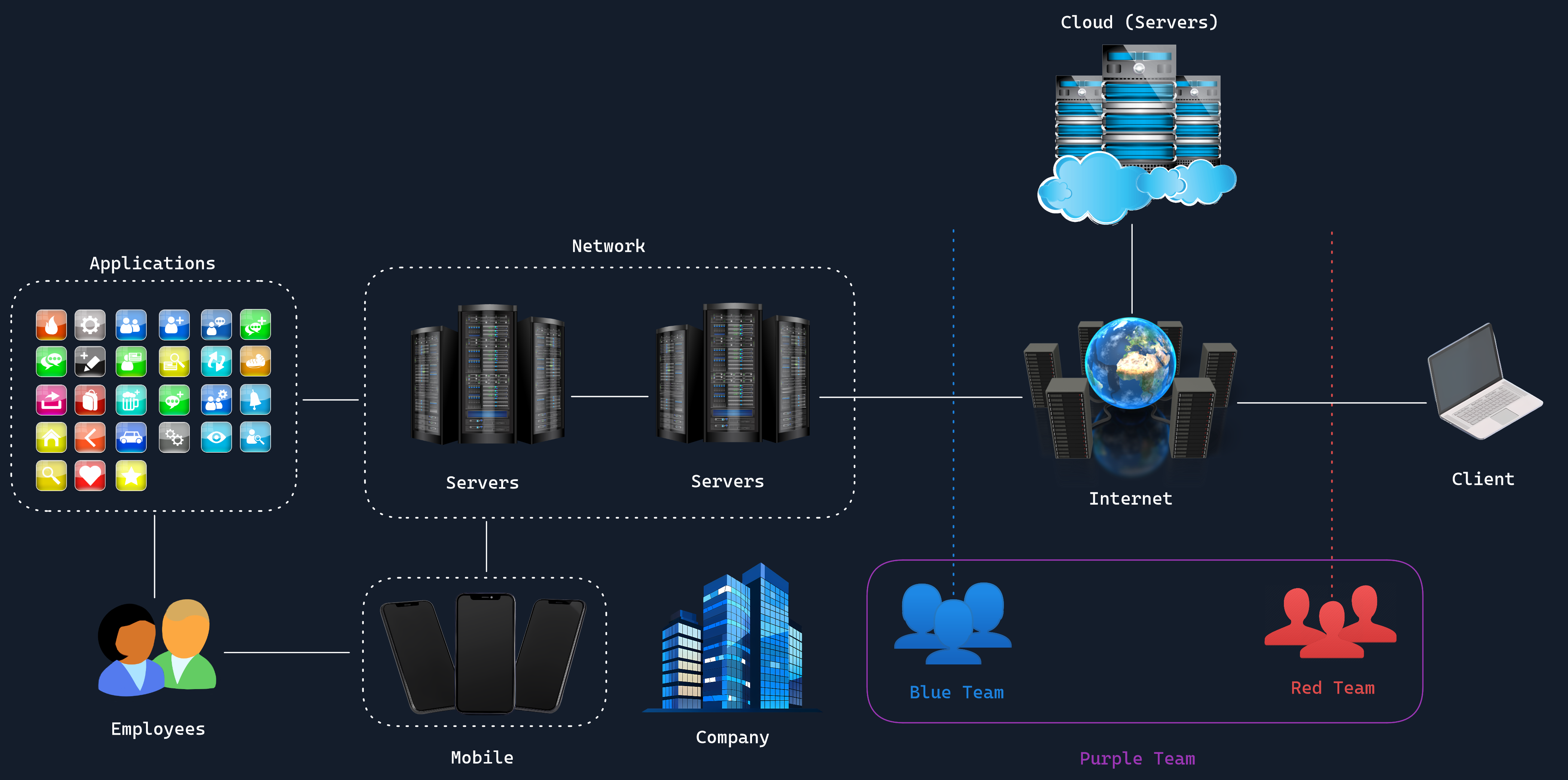
As more people use these shared storage facilities (cloud services), making sure everyone's property (data) is secure becomes more challenging. The risks are different from keeping things at home because you're sharing space and relying on the facility's management for certain parts of security. In the storage facility, both you and the facility owners have roles in keeping your items safe. The facility provides overall security, like guards and surveillance cameras, but you the individual are responsible for locking your individual storage unit. This is called the shared responsibility model in cloud security. The cloud provider secures the building (the infrastructure), while you secure your own unit (your data and applications).
In this shared storage facility, several things could potentially jeopardize the safety of your belongings. For example, someone might pick the lock to your unit and steal your items, which is similar to a data breach in cloud security where unauthorized individuals access your sensitive information. The facility's access system might have flaws that allow unauthorized people to enter, similar to insecure APIs in cloud services that can be exploited by hackers. You might accidentally forget to lock your storage unit properly, leaving it open to anyone. This mirrors misconfigured cloud storage, where improper settings expose data to the public unintentionally. Additionally, someone could steal your access card or code and pretend to be you, leading to account hijacking where attackers gain control over your account and access your data without permission.
Key Areas of Cloud Security
To protect against these threats, cloud security focuses on several key areas.
Data protection involves measures like using a strong lock and perhaps even a safe inside your unit, ensuring only you can access your valuables. This translates to encrypting your data both when it's stored (at rest) and when it's being moved (in transit), so it's secure at all times.
Identity and Access Management (IAM) is another crucial aspect, ensuring that only authorized individuals can enter your storage unit. It's like having a personalized key or access code that only you know, preventing others from accessing your space.
Network security in the cloud is comparable to having secure hallways and monitored entrances in the facility, preventing unauthorized people from wandering around. This includes firewalls and virtual private networks (VPNs) that protect data as it moves through the network.
Lastly, compliance and governance involve adhering to rules that everyone must follow, like not storing illegal items in the facility. In business terms, this means following laws and regulations about how data is handled and secured, ensuring that all practices meet industry standards and legal requirements.
Responsibility
The responsibility for security in this shared environment is divided among various parties.
- Cloud service providers are like the facility management, they ensure that the building is secure, surveillance cameras are operational, and security personnel are on duty. They handle the overall security infrastructure of the cloud, providing a safe environment for everyone.
- You / Administrator, the customer, are responsible for securing your individual storage unit by locking it properly and keeping your key or access code safe. In a business context, this means implementing strong passwords, managing user access, and safeguarding your data within the cloud.
- Security teams within organizations plan and oversee these measures, much like a head of security at the storage facility would coordinate safety protocols. They develop strategies, conduct risk assessments, and ensure that both the technical and human elements of security are addressed effectively.
Ensuring that these security measures are effective requires regular testing and vigilance. Just as you might hire someone to test the facility's security by attempting to breach it (with permission, of course), businesses employ penetration testers to assess their cloud security. These professionals simulate attacks to identify weaknesses before malicious actors can exploit them, helping to strengthen the defenses. Ongoing management and staying updated are crucial because new threats can emerge, like someone inventing a new lock-picking tool.
Therefore, you might need to replace old locks and update security measures periodically. Similarly, cloud security requires constant attention and updates to protect against evolving cyber threats. This involves patching vulnerabilities, updating security protocols, monitoring for suspicious activities, and educating users about best practices. Both the cloud provider and the customer must be proactive in maintaining a secure environment, working together to ensure that all safeguards are current and effective.