GitLab is a web-based Git-repository hosting tool that provides wiki capabilities, issue tracking, and continuous integration and deployment pipeline functionality. It is open-source and originally written in Ruby, but the current technology stack includes Go, Ruby on Rails, and Vue.js. Gitlab was first launched in 2014 and, over the years, has grown into a 1,400 person company with $150 million revenue in 2020. Though the application is free and open-source, they also offer a paid enterprise version. Here are some quick stats about GitLab:
- At the time of writing, the company has 1,466 employees
- Gitlab has over 30 million registered users located in 66 countries
- The company publishes most of its internal procedures and OKRs publicly on their website
- Some companies that use GitLab include Drupal, Goldman Sachs, Hackerone, Ticketmaster, Nvidia, Siemens, and more
GitLab is similar to GitHub and BitBucket, which are also web-based Git repository tools. A comparison between the three can be seen here.
During internal and external penetration tests, it is common to come across interesting data in a company's GitHub repo or a self-hosted GitLab or BitBucket instance. These Git repositories may just hold publicly available code such as scripts to interact with an API. However, we may also find scripts or configuration files that were accidentally committed containing cleartext secrets such as passwords that we may use to our advantage. We may also come across SSH private keys. We can attempt to use the search function to search for users, passwords, etc. Applications such as GitLab allow for public repositories (that require no authentication), internal repositories (available to authenticated users), and private repositories (restricted to specific users). It is also worth perusing any public repositories for sensitive data and, if the application allows, register an account and look to see if any interesting internal repositories are accessible. Most companies will only allow a user with a company email address to register and require an administrator to authorize the account, but as we'll see later on, a GitLab instance can be set up to allow anyone to register and then log in.
http://gitlab.inlanefreight.local:8081/admin/application_settings/general
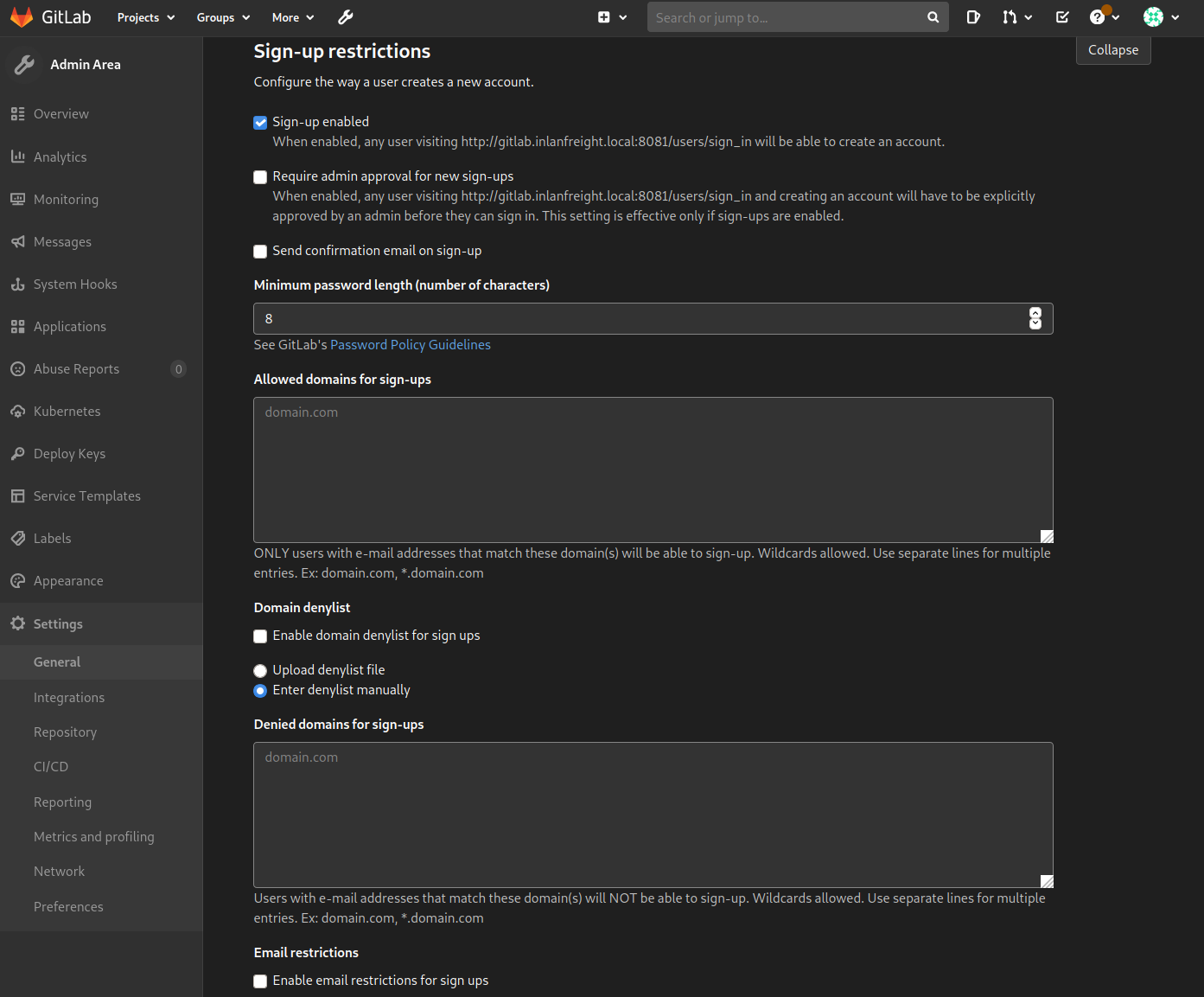
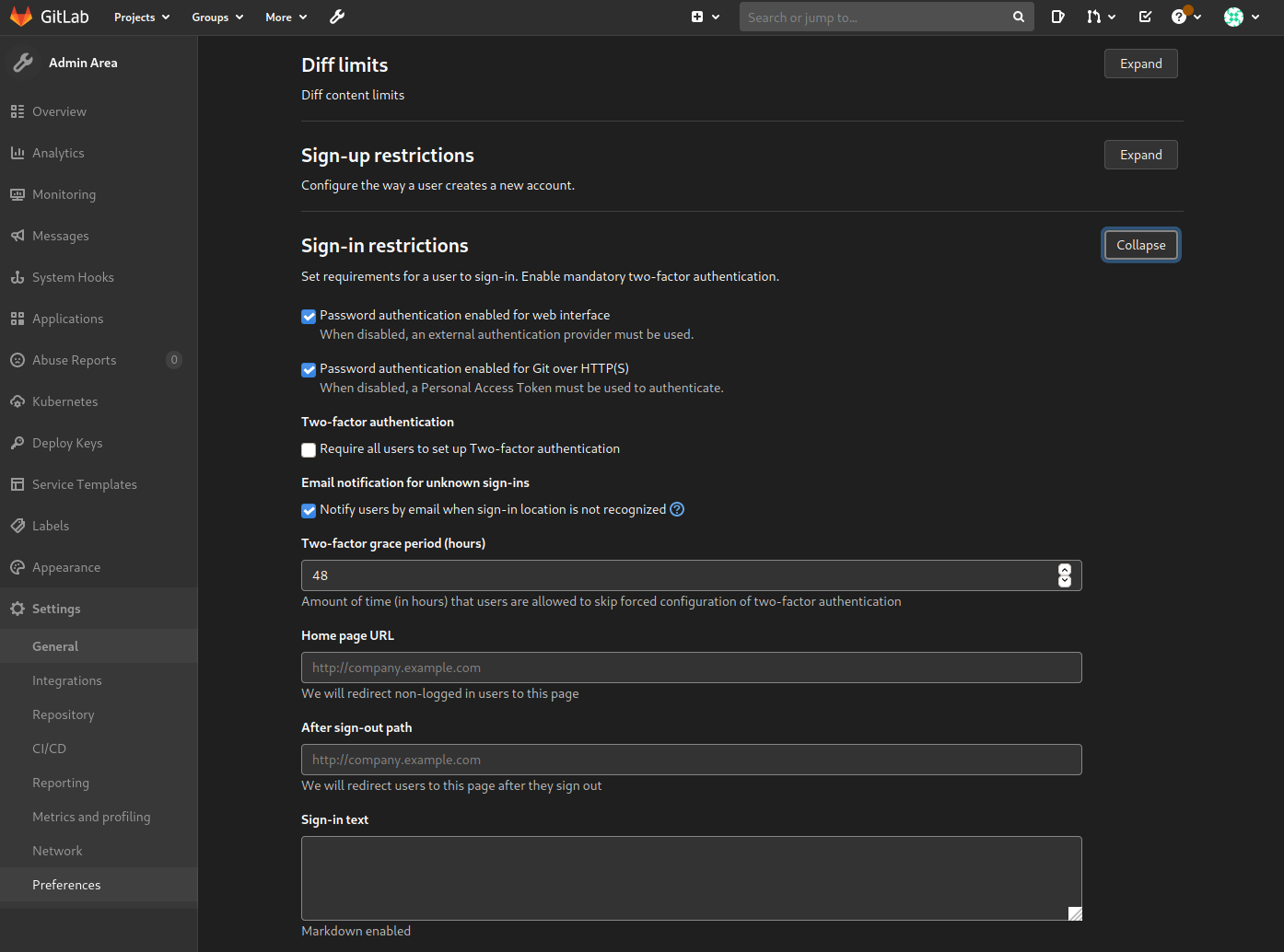
If we can obtain user credentials from our OSINT, we may be able to log in to a GitLab instance. Two-factor authentication is disabled by default.
http://gitlab.inlanefreight.local:8081/admin/application_settings/general
Footprinting & Discovery
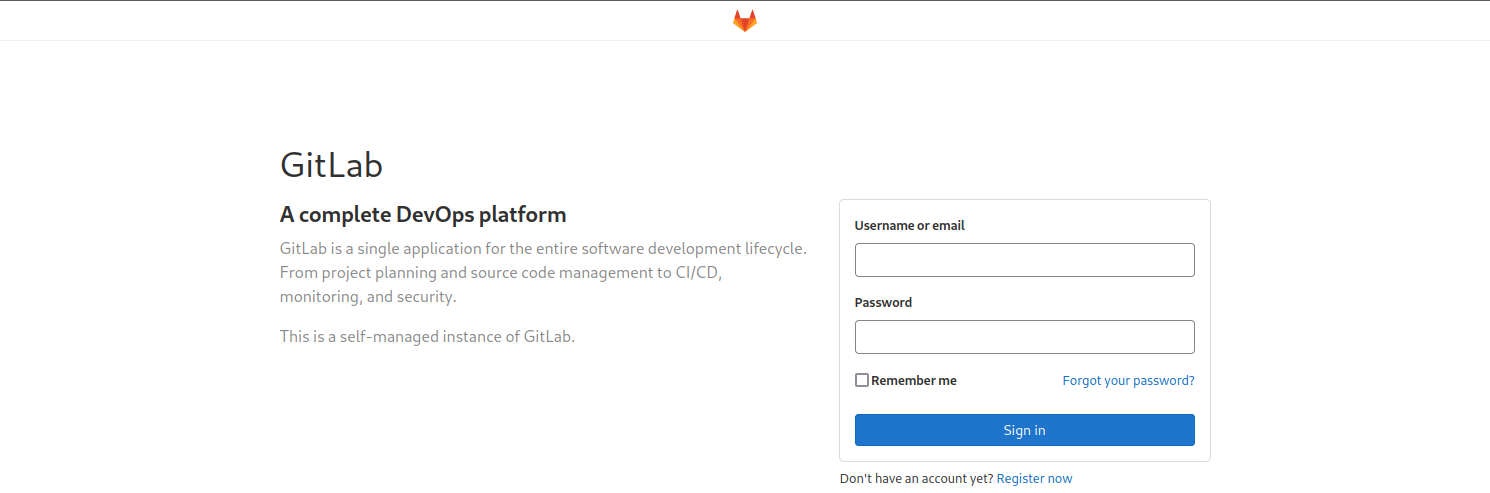
We can quickly determine that GitLab is in use in an environment by just browsing to the GitLab URL, and we will be directed to the login page, which displays the GitLab logo.
http://gitlab.inlanefreight.local:8081/users/sign_in
The only way to footprint the GitLab version number in use is by browsing to the /help page when logged in. If the GitLab instance allows us to register an account, we can log in and browse to this page to confirm the version. If we cannot register an account, we may have to try a low-risk exploit such as this. We do not recommend launching various exploits at an application, so if we have no way to enumerate the version number (such as a date on the page, the first public commit, or by registering a user), then we should stick to hunting for secrets and not try multiple exploits against it blindly. There have been a few serious exploits against GitLab 12.9.0 and GitLab 11.4.7 in the past few years as well as GitLab Community Edition 13.10.3, 13.9.3, and 13.10.2.
Enumeration
There's not much we can do against GitLab without knowing the version number or being logged in. The first thing we should try is browsing to /explore and see if there are any public projects that may contain something interesting. Browsing to this page, we see a project called Inlanefreight dev. Public projects can be interesting because we may be able to use them to find out more about the company's infrastructure, find production code that we can find a bug in after a code review, hard-coded credentials, a script or configuration file containing credentials, or other secrets such as an SSH private key or API key.
http://gitlab.inlanefreight.local:8081/explore

Browsing to the project, it looks like an example project and may not contain anything useful, though it is always worth digging around.
http://gitlab.inlanefreight.local:8081/root/inlanefreight-dev
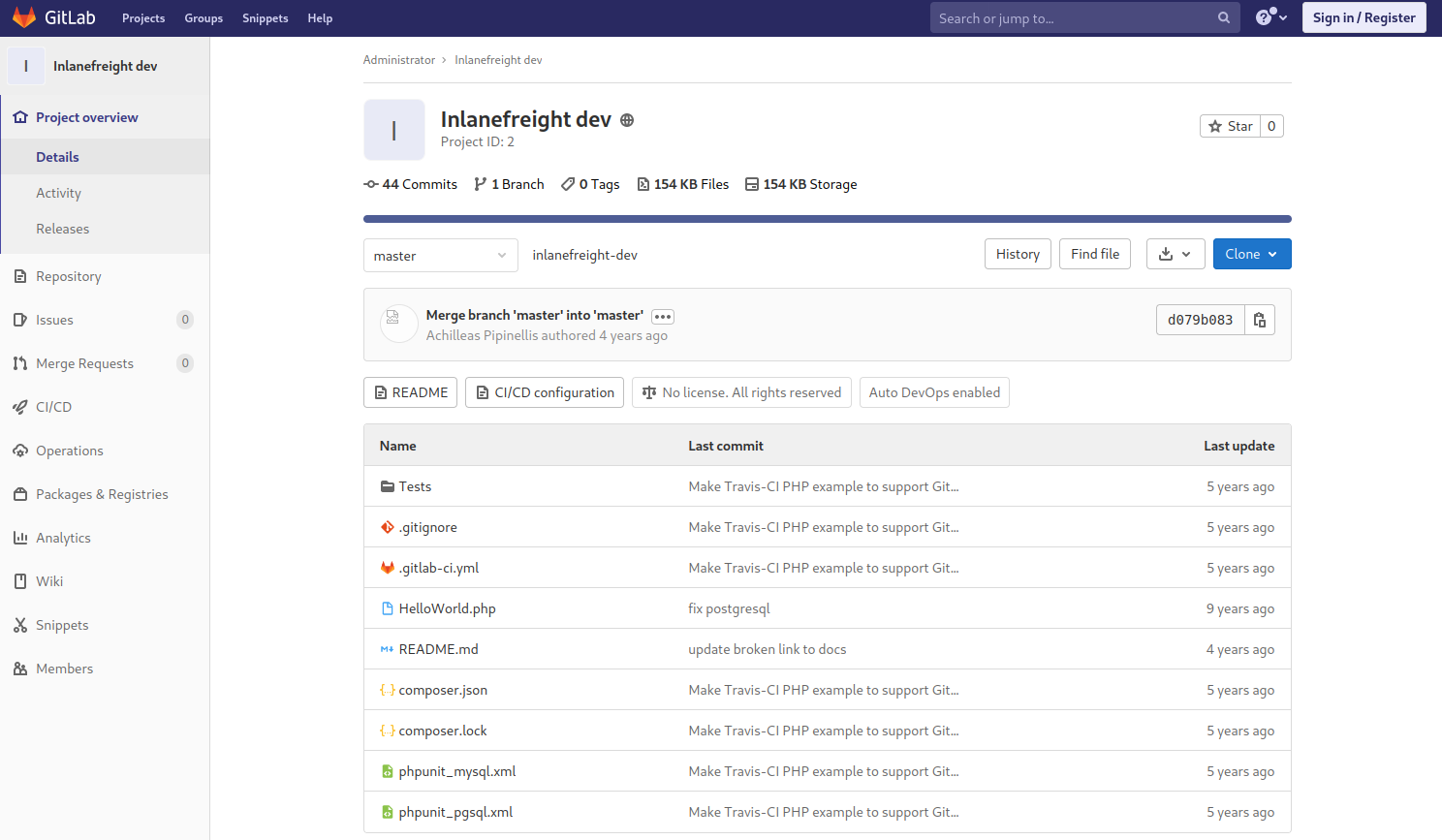
From here, we can explore each of the pages linked in the top left groups, snippets, and help. We can also use the search functionality and see if we can uncover any other projects. Once we are done digging through what is available externally, we should check and see if we can register an account and access additional projects. Suppose the organization did not set up GitLab only to allow company emails to register or require an admin to approve a new account. In that case, we may be able to access additional data.
http://gitlab.inlanefreight.local:8081/users/sign_up
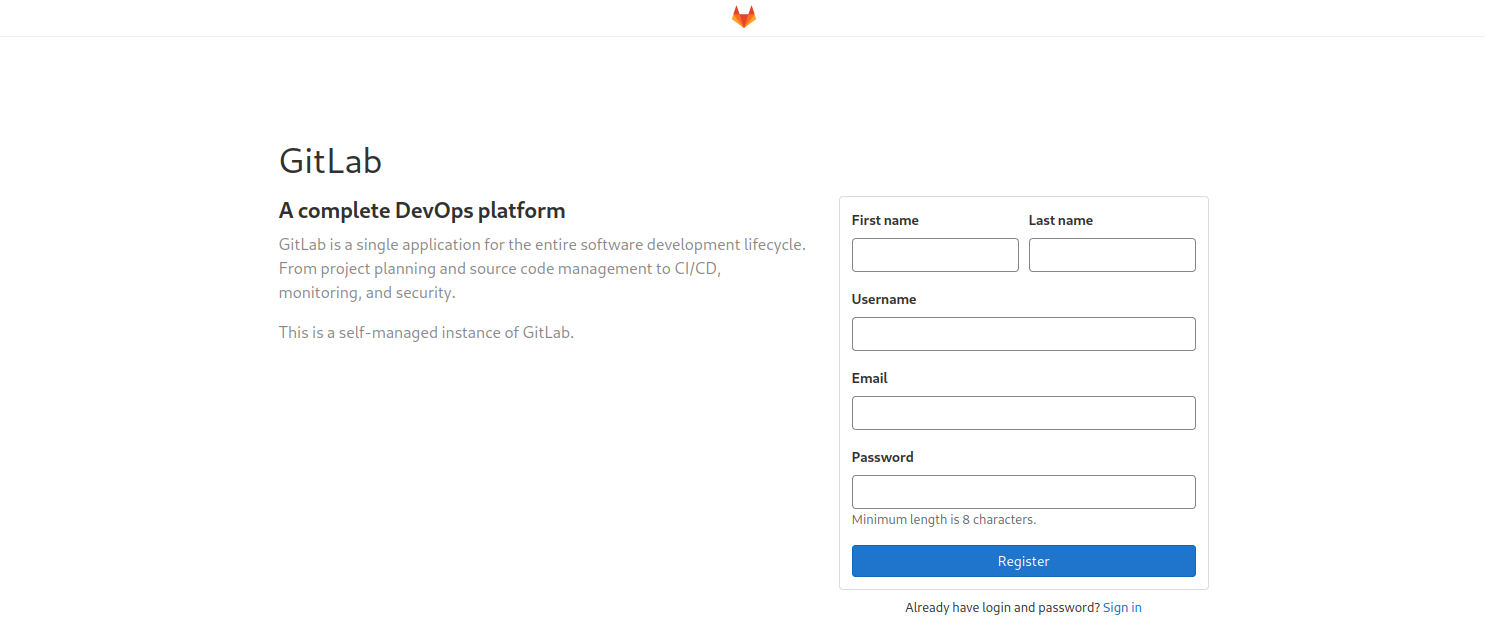
We can also use the registration form to enumerate valid users (more on this in the next section). If we can make a list of valid users, we could attempt to guess weak passwords or possibly re-use credentials that we find from a password dump using a tool such as Dehashed as seen in the osTicket section. Here we can see the user root is taken. We'll see another example of username enumeration in the next section. On this particular instance of GitLab (and likely others), we can also enumerate emails. If we try to register with an email that has already been taken, we will get the error 1 error prohibited this user from being saved: Email has already been taken. As of the time of writing, this username enumeration technique works with the latest version of GitLab. Even if the Sign-up enabled checkbox is cleared within the settings page under Sign-up restrictions, we can still browse to the /users/sign_up page and enumerate users but will not be able to register a user.
Some mitigations can be put in place for this, such as enforcing 2FA on all user accounts, using Fail2Ban to block failed login attempts which are indicative of brute-forcing attacks, and even restricting which IP addresses can access a GitLab instance if it must be accessible outside of the internal corporate network.
http://gitlab.inlanefreight.local:8081/users/sign_up
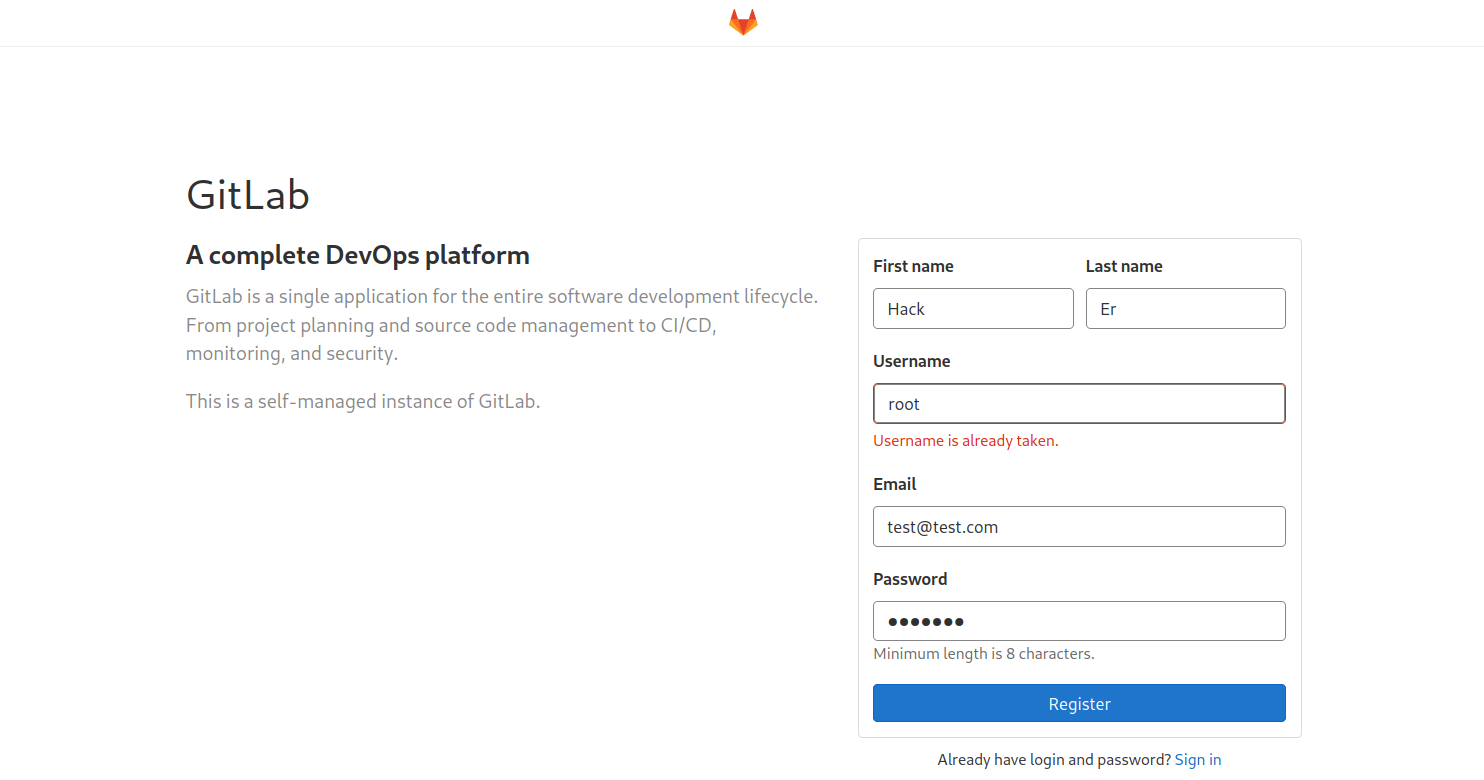
Let's go ahead and register with the credentials hacker:Welcome and log in and poke around. As soon as we complete registration, we are logged in and brought to the projects dashboard page. If we go to the /explore page now, we notice that there is now an internal project Inlanefreight website available to us. Digging around a bit, this just seems to be a static website for the company. Suppose this were some other type of application (such as PHP). In that case, we could possibly download the source and review it for vulnerabilities or hidden functionality or find credentials or other sensitive data.
http://gitlab.inlanefreight.local:8081/users/sign_up
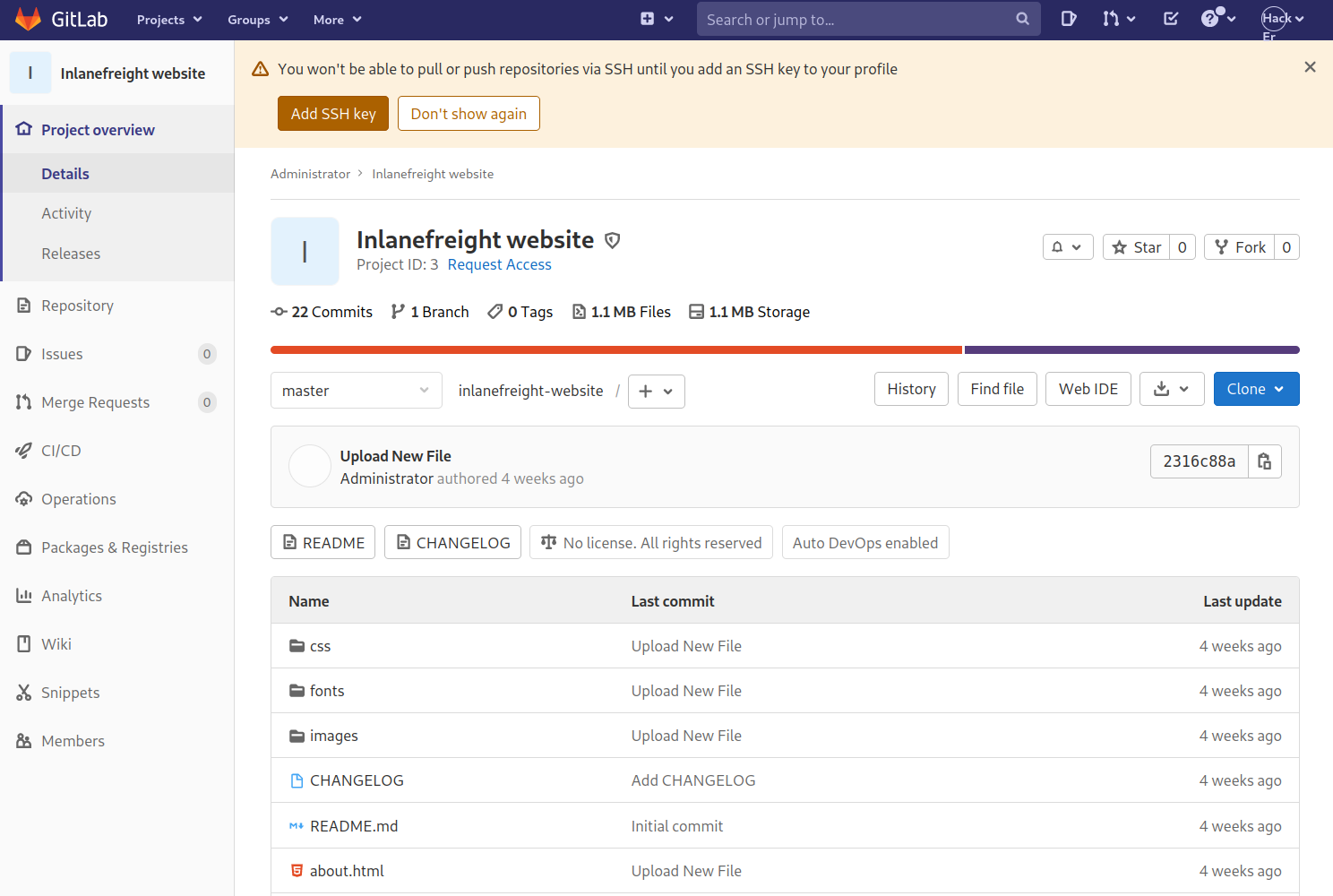
In a real-world scenario, we may be able to find a considerable amount of sensitive data if we can register and gain access to any of their repositories. As this blog post explains, there is a considerable amount of data that we may be able to uncover on GitLab, GitHub, etc.
Onwards
This section shows us the importance (and power) of enumeration and that not every single application we uncover has to be directly exploitable to still prove very interesting and useful for us during an engagement. This is especially true on external penetration tests where the attack surface is usually considerably smaller than an internal assessment. We may need to gather data from two or more sources to mount a successful attack.
Questions:
Enumerate the GitLab instance at http://gitlab.inlanefreight.local. What is the version number?
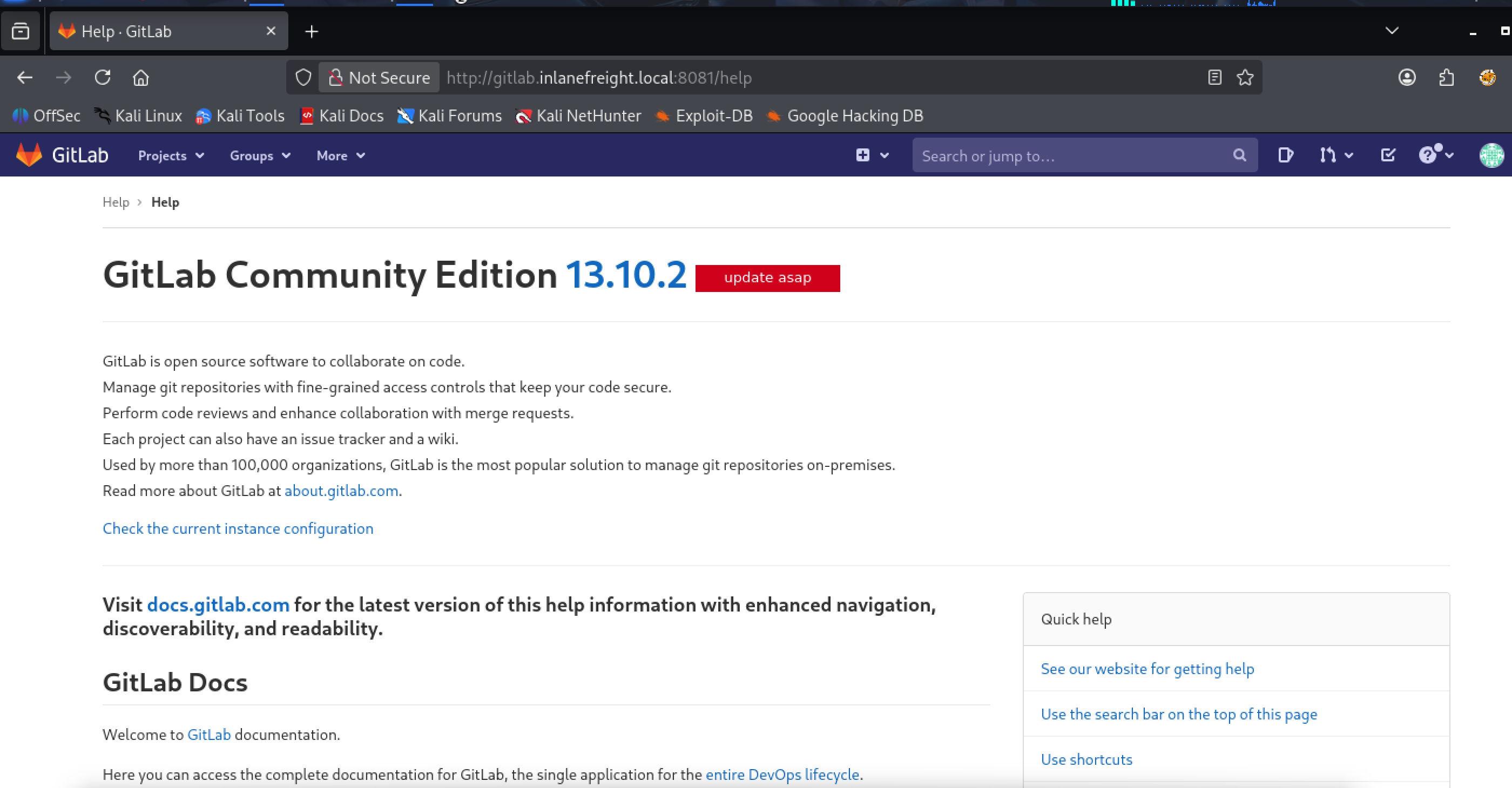
Answer:13.10.2
Find the PostgreSQL database password in the example project.
Enumerate for inlanfreight.dev repository
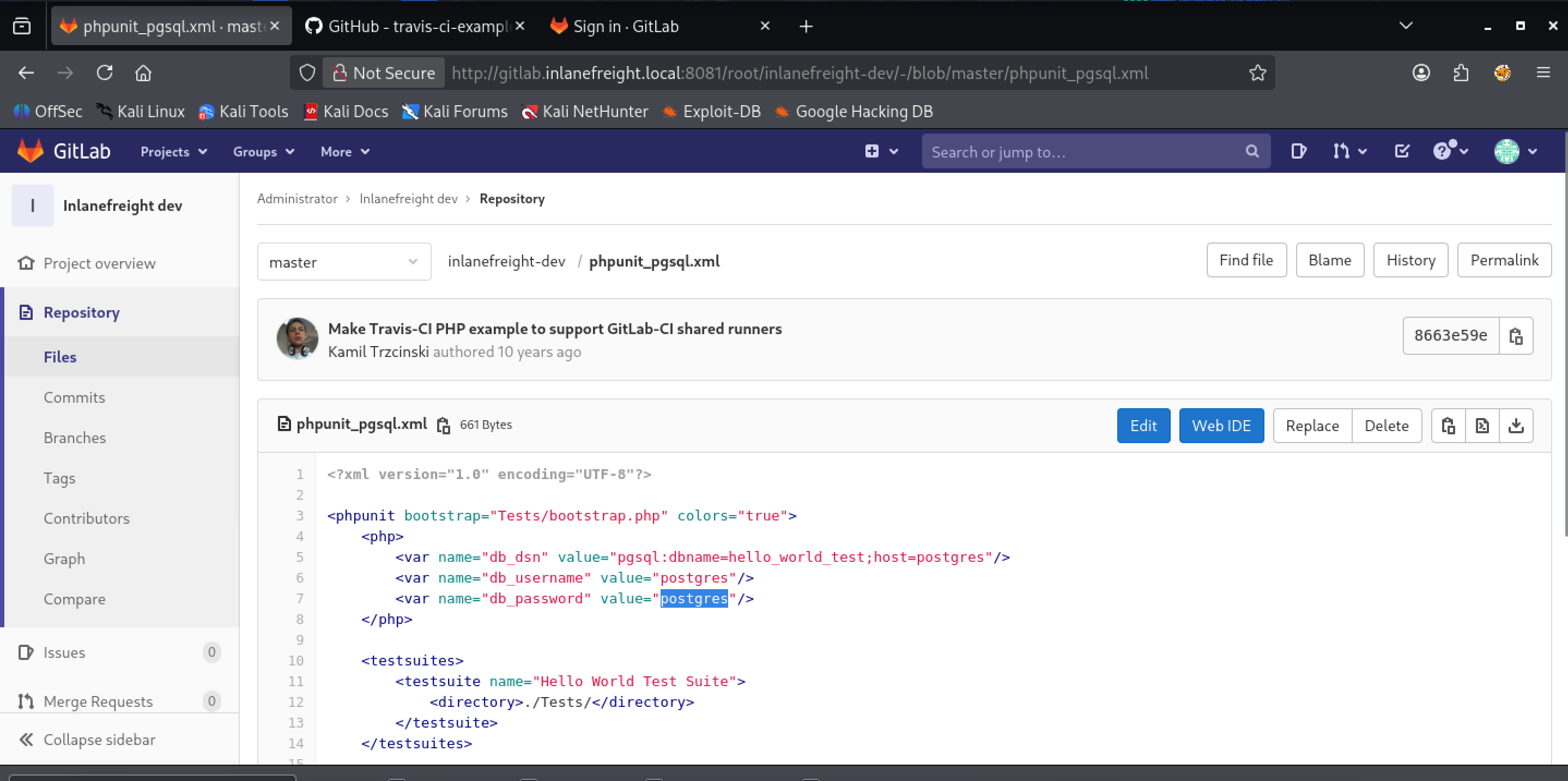
Answer: postgres